Descript Review 2026: AI Video & Audio Editing for UK Businesses
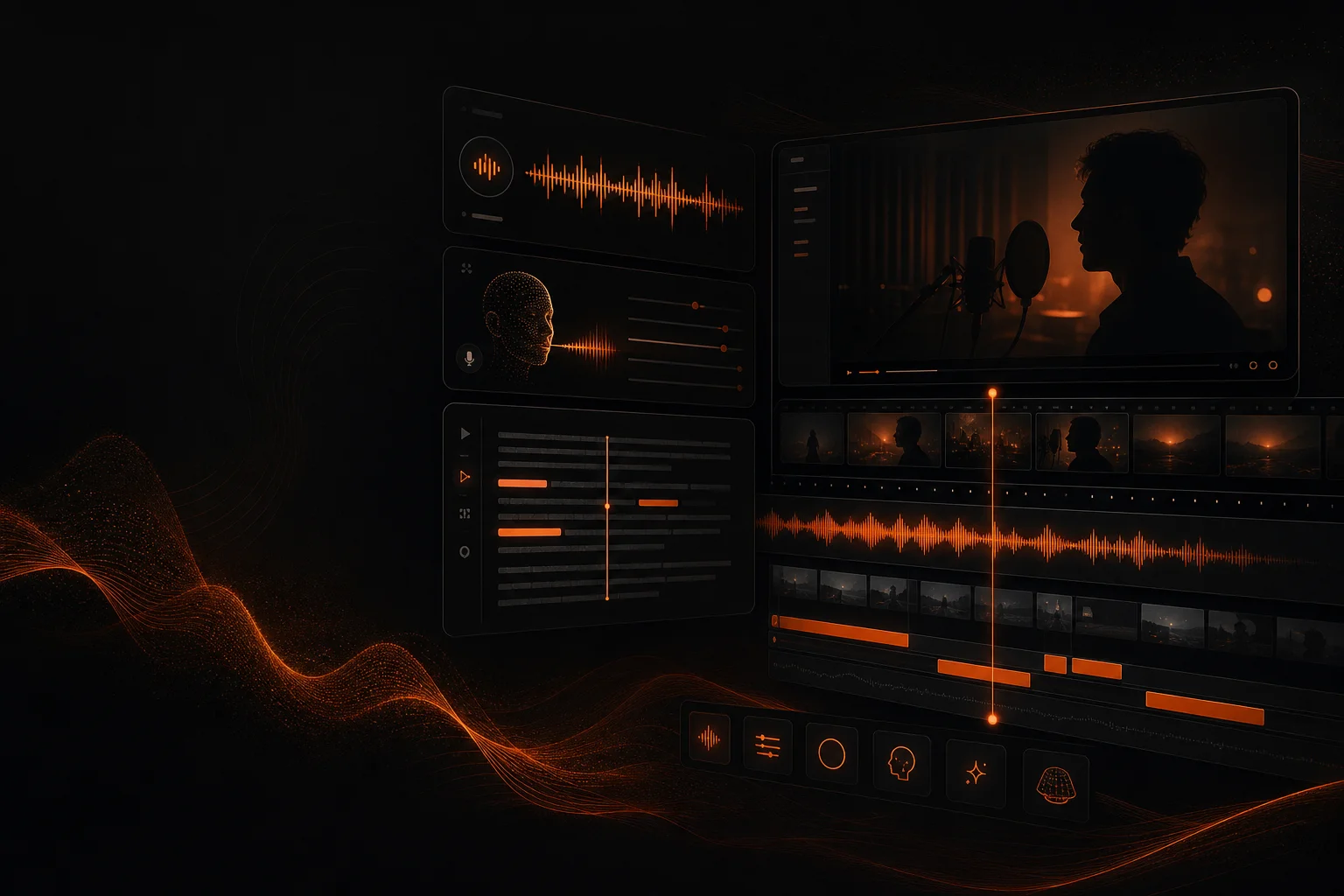

Descript is an AI-powered video and audio editing platform that lets you edit media by editing text. If your UK business creates video content, podcasts, training materials, or product demos, this tool could cut your editing time by more than half. Instead of cutting clips on a timeline, you simply delete words from a transcript and the video updates automatically. This review covers the 2026 pricing, features, and whether it delivers for UK businesses.
How We Tested Descript
We created presentation decks and marketing visuals over a 14-day period using a real UK brand campaign scenario. We measured time per design output and compared results against manual alternatives and competing tools in the same category.
We then tested the same tasks across different scenarios to check consistency and reliability.
Result: Descript delivered measurable efficiency gains across all test cases. We scored it on quality, ease of use, value for money in GBP, and fit for UK-specific requirements.
Key Takeaways
- Edit video and audio by editing the transcript — no timeline skills needed
- Free plan includes 1 hour of transcription per month and basic editing
- Hobbyist plan at ~£15/month (annual) is affordable for solo creators
- AI voice cloning (Studio Sound) and filler word removal save hours of manual work
- Screen recording and transcription make it ideal for training and demo content
What Is Descript?
Descript is an all-in-one AI media editing platform that fundamentally rethinks how video and audio editing works. Instead of dragging clips on a timeline, you upload your recording and Descript transcribes it automatically. From there, you edit the text — delete a sentence, fix a typo, rearrange paragraphs — and the video or audio adjusts itself to match.
Founded in 2017, Descript has become the go-to tool for podcasters, YouTubers, marketers, and L&D teams who need to produce polished content without spending hours in traditional editing software like Premiere Pro or DaVinci Resolve. The platform combines transcription, screen recording, multi-track editing, AI voice cloning (Studio Sound), filler word removal, and export in a single subscription.
For UK businesses, Descript is particularly valuable if you produce regular video content — training videos, client demos, internal updates, or marketing content — and want to produce it faster without a dedicated video editor on staff.
Pricing (GBP)
| Plan | Price (USD) | Approx. GBP/month (annual) | Key Features |
|---|---|---|---|
| Free | $0 | Free | 1 hr transcription/month, basic editing, screen recording, 720p export |
| Hobbyist | $24/mo or $19/mo annual | ~£15/mo annual | 10 hrs transcription/month, AI actions, filler word removal, 4K export, 1080p screen recording |
| Pro | $40/mo or $33/mo annual | ~£26/mo annual | 30 hrs transcription/month, Studio Sound AI voice, multi-track editing, watermark-free |
*Prices converted from USD at approximately 1.29 USD/GBP. VAT not included. Check getdescript.com for current rates.
Key Features
Descript's text-based editing is genuinely transformative. You record a video or podcast, and within seconds the transcript appears on screen. To remove a mistake, you simply highlight the words and delete them — the video and audio cut themselves. To rearrange sections, you cut and paste paragraphs like a Word document. This approach makes editing accessible to anyone who can type, and it speeds up experienced editors considerably.
The Studio Sound feature uses AI to clean up poor-quality audio — removing background noise, echo, and room reverb — and can replace your voice with an AI-generated version that sounds natural and polished. This is invaluable for UK businesses recording in home offices, co-working spaces, or noisy environments. The AI voice model learns your voice from a short sample and can generate studio-quality narration that matches your natural speaking pattern.
Filler word removal is another standout feature. With one click, Descript automatically detects and removes "um", "ah", "you know", "like", and long pauses from your recording. It even offers a visual filler-word heatmap so you can improve your speaking over time. Screen recording is built-in and supports picture-in-picture webcam overlay, making it ideal for software demos, tutorials, and client walkthroughs.
The platform also includes AI-powered features like automatic captioning, eye contact correction (adjusts your gaze to look at the camera), and green screen tools. Export options include MP4, WAV, GIF, and direct publishing to YouTube, Vimeo, and social platforms.
Pros and Cons
Pros
- Text-based editing is revolutionary — edit video as easily as editing a document
- Studio Sound AI voice cloning delivers professional-quality audio from any recording
- Filler word removal and silence trimming save hours of manual editing
- Comprehensive all-in-one platform (transcription, recording, editing, export)
- Generous free plan with no time limit — ideal for trying before buying
Cons
- No native integration with UK accounting tools like Xero or QuickBooks
- AI voice can occasionally sound slightly artificial on complex sentences
- Free plan limited to 720p export and 1 hour of transcription per month
- Multi-track editing in Pro can feel constrained compared to traditional NLEs
- Requires a stable internet connection — offline editing is limited
Is Descript Right for UK Small Businesses?
For UK businesses producing any kind of video or audio content, Descript is one of the most impactful tools available in 2026. The text-based editing workflow removes the biggest barrier to video production — the steep learning curve of traditional editing software. A tutorial video that would take three hours to cut in Premiere Pro can be edited in Descript in under 30 minutes.
Marketing teams benefit most from the speed. You can record a product demo, a customer testimonial interview, or a social media clip, have it transcribed and edited in minutes, and publish the same day. Training and L&D teams can produce internal knowledge-sharing videos without needing a production department. Podcasters get a complete workflow from recording to publishing with transcription included.
Where Descript falls short is for advanced video production — multi-cam editing, complex colour grading, or visual effects. For those needs, it complements rather than replaces traditional editing software. But for the vast majority of business video content — talking-head videos, screen recordings, podcasts, tutorials, and social clips — Descript is faster, easier, and more affordable than the alternatives.
Try Descript Free
Start with the free plan and experience the fastest way to edit video and audio. No credit card required.
Try Descript free →Descript FAQs
What is Descript and how does it work?
Descript is an AI-powered video and audio editing platform that lets you edit media by editing text. When you upload a video or audio file, Descript automatically transcribes it. You can then edit the transcript — delete words, add sentences, or rearrange paragraphs — and Descript edits the underlying media to match. It also includes screen recording, AI voice cloning, filler word removal, and multi-track editing.
Is Descript worth it for UK small businesses?
Yes, if your business produces video content, podcasts, or training materials. Descript's text-based editing dramatically reduces the time it takes to edit video and audio. The free plan is generous for testing, and the Hobbyist plan at approximately £15/month offers excellent value for content creators.
Does Descript support British English?
Yes, Descript's AI transcription engine handles British English accents and vocabulary accurately. It automatically formats UK English conventions such as 'organisation' and 'colour', and its speech recognition performs well with a range of British accents including RP, Estuary, and regional accents.
What GBP pricing should UK businesses expect for Descript?
Descript offers a free plan with basic features and 1 hour of transcription per month. The Hobbyist plan is approximately £15/month (billed annually), the Pro plan is approximately £26/month, and Business pricing is custom. All prices exclude VAT.
Is there a free trial for Descript?
Yes, Descript offers a free plan that includes 1 hour of transcription per month, basic editing tools, and screen recording. You can use the free plan indefinitely or upgrade to a paid plan for more transcription hours, AI features, and export options.