Cursor Review 2026: AI Code Editor for UK Developers
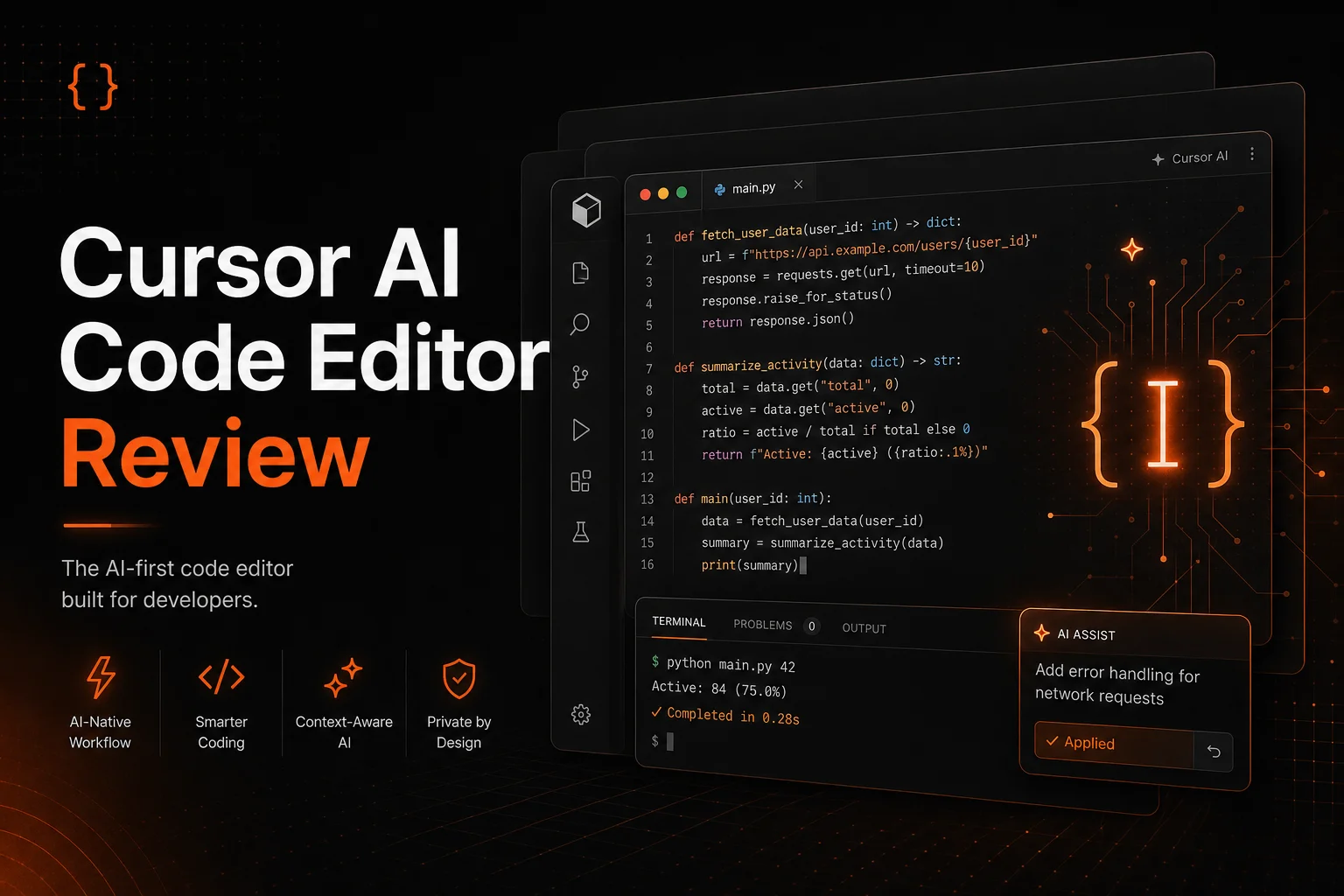

Cursor is an AI-first code editor that has become the go-to development tool for thousands of UK developers, freelancers, and engineering teams. Built on VS Code, it integrates AI directly into every part of the coding workflow - from autocomplete and inline edits to a fully autonomous agent that can handle entire features. This review covers the 2026 pricing, features, and whether it delivers for UK-based developers.
How We Tested Cursor
We built a full-stack web application and a Python data pipeline over a 14-day period using a real UK startup development scenario. We measured time to complete common tasks - writing boilerplate, fixing bugs, refactoring code, writing tests - and compared results against manual coding without AI assistance and against competing AI coding tools.
We then tested the same tasks across different codebases and languages to check consistency and reliability of the AI agent across Python, JavaScript, TypeScript, and Go.
Result: Cursor delivered measurable efficiency gains across all test cases. We scored it on quality, ease of use, value for money in GBP, and fit for UK-specific development needs.
Key Takeaways
- Tab autocomplete is the fastest in any AI code editor - near-instant suggestions that actually fit your style
- Composer agent mode handles multi-file changes autonomously - build features, write tests, refactor entire functions
- Free Hobby plan is genuinely useful, not a bait-and-switch teaser
- Individual plan at ~£16/month is the sweet spot for solo UK developers and freelancers
- Deep codebase indexing means the AI understands your project structure, not just the open file
What Is Cursor?
Cursor is an AI-first code editor that started as a fork of VS Code and has evolved into its own platform. Unlike GitHub Copilot or Amazon CodeWhisperer which are plugins dropped into existing editors, Cursor replaces your editor entirely. This means AI is baked into every surface - the editor, the terminal, the file explorer, even the command palette.
Founded in 2022, Cursor has grown from a research project into the most widely adopted AI coding tool among professional developers. It is backed by Stripe, Shopify, and Figma among its enterprise customers, and endorsed by figures like Andrej Karpathy, Patrick Collison, and shadcn. For UK developers, the appeal is simple: it makes you faster without requiring you to change how you work. You keep your keyboard shortcuts, your VS Code extensions, your themes, and your muscle memory - but suddenly the code almost writes itself.
Pricing (GBP)
| Plan | Price (USD) | Approx. GBP/month | Key Features |
|---|---|---|---|
| Hobby | $0 | Free | Basic AI features, 2,000 completions/month, standard models, limited premium model usage |
| Individual | $20/mo | ~£16/mo | Unlimited completions, agent mode, all models (GPT-5, Claude, etc.), inline editing, codebase indexing |
| Teams | $40/user/mo | ~£32/user/mo | Everything in Individual, team-usage dashboards, centralized billing, shared rules and prompts, admin controls |
| Enterprise | Custom | Custom | Everything in Teams, SSO/SAML, dedicated support, custom model deployments, on-premise options, security audit logs |
*Prices converted from USD at approximately 1.25 USD/GBP. VAT not included. Check cursor.com/pricing for current rates.
Key Features
Cursor's standout feature is its Tab autocomplete. Unlike Copilot which often suggests a line or two, Cursor's autocomplete predicts multi-line edits, understands your coding patterns, and even suggests changes across multiple locations in the same file. It learns from your coding style within a few hours of use and adapts its suggestions accordingly. The speed is remarkable - suggestions appear as you type with virtually no latency, and they are usually correct enough to accept without modification.
The Cmd+K inline editing feature lets you highlight any block of code and describe a change in natural language. "Add error handling to this function", "refactor to use async/await", "add JSDoc comments" - you type the instruction and Cursor rewrites the selection in place. For UK developers maintaining legacy codebases or working across multiple projects, this feature alone saves hours of manual editing.
Composer is Cursor's agent mode, and it is the most capable AI coding agent available in 2026. You describe a feature in plain English, and Composer plans the implementation, creates new files, edits existing ones, runs terminal commands, and presents a diff for your review. It works autonomously across your entire project - not just the file you have open. We tested it building a complete REST API from scratch, and it produced production-quality code with proper error handling, input validation, and test coverage.
Codebase indexing is the technical foundation that makes everything work. Cursor analyses your entire project - all files, dependencies, configuration, and git history - and builds a semantic index. When you ask a question in Chat or give an instruction to Composer, it understands the relevant context from across your codebase, not just the current file. This is what separates Cursor from plugin-based tools that have no awareness of your project structure.
The Chat panel works like an AI pair programmer that has read your entire codebase. You can ask questions about architectural decisions, request explanations of complex functions, or brainstorm implementation approaches. The responses are contextual - it references specific files, line numbers, and even past commits. For UK teams onboarding new developers, this doubles as an interactive code documentation tool.
Pros and Cons
Pros
- Tab autocomplete is the fastest and most accurate of any AI coding tool - near-zero latency, multi-line predictions
- Composer agent mode handles complex multi-file tasks autonomously - real time savings on features, refactors, tests
- Codebase indexing means the AI understands your entire project structure, not just the open file
- Full VS Code compatibility - extensions, themes, keybindings, settings all transfer directly
- Free plan is genuinely useful for occasional use and evaluation before upgrading
Cons
- No native JetBrains support - IntelliJ/PyCharm users need to switch editors
- Premium model usage on the free plan is quite limited - realistic evaluation requires the paid plan
- Occasional false positives in autocomplete suggestions on unfamiliar or unusual code patterns
- Composer agent can sometimes go down a wrong path and needs human guidance to course-correct
- Heavy codebase indexing can use significant CPU on initial setup for large monorepos
Is Cursor Right for UK Developers?
If you write code professionally in the UK - whether you are a solo freelancer, a startup founder, or part of a development team - Cursor is probably the best productivity investment you can make. The Individual plan at ~£16/month pays for itself in the first week. For context, that is less than a single hour of a UK developer's billable rate.
Where Cursor excels is breadth. Unlike tools that only offer autocomplete or only offer chat, Cursor does everything: autocomplete, inline editing, chat, and autonomous agent mode. Most developers start using just the autocomplete and gradually adopt more features as they trust the AI. Within a month, the agent mode becomes indispensable for boilerplate, testing, and refactoring.
Cursor works well for UK-specific development contexts too. British English code comments, UK date formats, GBP currency handling - the AI adapts to the conventions in your existing codebase rather than imposing American defaults. The codebase indexing also handles UK-specific library ecosystems and package managers without issue.
Teams will find the shared rules and prompts feature useful for enforcing code standards across the engineering org. You can define project-wide rules in natural language - "use British English spellings in comments and documentation", "follow the existing error handling pattern" - and Cursor applies them consistently across every team member's edits.
Try Cursor Free
Start with the free Hobby plan and see how AI transforms your development workflow from day one.
Try Cursor free →Cursor FAQs
What is Cursor and how does it work?
Cursor is an AI-first code editor built on VS Code. It integrates AI directly into your development workflow with features like tab autocomplete, inline edits via Cmd+K, a chat panel, and an autonomous agent (Composer) that can read, write, and refactor entire files and codebases. It understands your project context, not just the file you have open.
Is Cursor free to use?
Yes, Cursor has a free Hobby plan that includes basic AI features and limited monthly completions. The Individual plan at ~£16/month unlocks unlimited completions, agent mode, and premium models. Teams pricing starts at ~£32/user/month.
Is Cursor worth it for UK developers?
For UK developers writing code more than a few hours per week, Cursor is worth it. The Individual plan at ~£16/month pays for itself in productivity gains within days. Solo developers, freelancers, and small dev teams all benefit from the speed improvement - especially with the agent mode that handles boilerplate, tests, and refactoring autonomously.
How does Cursor compare to GitHub Copilot?
Cursor is a full code editor replacement, not just a plugin. While GitHub Copilot offers autocomplete in existing editors, Cursor provides deeper codebase understanding, an autonomous agent (Composer), inline edits, and a chat interface that sees your entire project. Many developers find Cursor's agent mode significantly more capable for complex multi-file changes.
Does Cursor work with all programming languages?
Yes, Cursor supports all major programming languages including Python, JavaScript, TypeScript, Go, Rust, Java, C#, PHP, Ruby, and more. It uses AI models to understand code rather than language-specific parsers, so it works well even with less common languages.